Buffering is the Worst: A Non-Techie's Guide to Smooth Streaming
The Spinning Wheel of Doom
We've all been there. You're watching a movie, the tension is building, the hero is about to open the door... and freeze. The little circle spins. The mood is ruined. You want to throw the remote through the TV.
But before you call your ISP and scream at a poor call center worker, try these three simple fixes. No coding required.
1. The "Turn It Off and On Again" (But Properly)
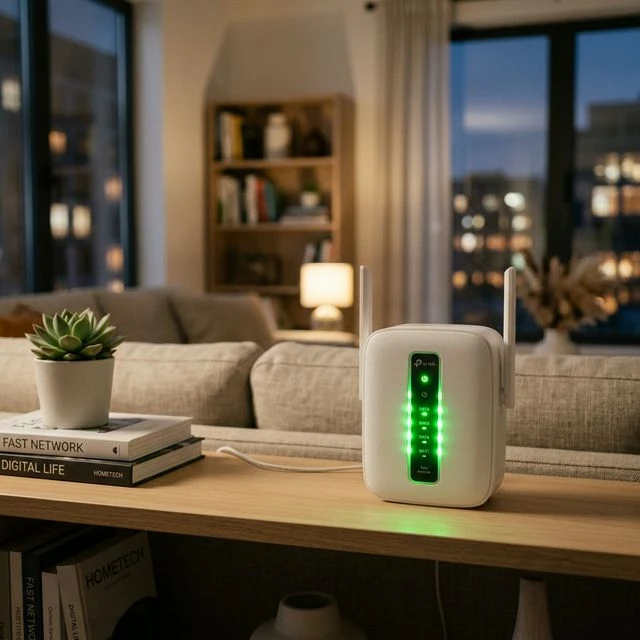
Your router is a tiny computer. It gets tired. It gets hot. It gets confused. Once a month, unplug it from the wall. Count to 30 (actually count, don't cheat). Plug it back in. This clears out the digital cobwebs and often doubles your speed instantly.
2. Kick Your TV Off the Wi-Fi
If you read my post on Why Your Smart TV is Dumb, you know that TV Wi-Fi chips are weak. If you can't use a cable, at least make sure your TV is connected to the "5GHz" Wi-Fi network, not the "2.4GHz" one. It's faster and has less interference from your microwave.
3. Clear the Junk
Streaming apps store temporary files called "cache." It's like digital dust. If you never clean it, it clogs up the works. Go into your device settings, find your streaming app, and look for a button that says "Clear Cache." Do this once a week. It takes 10 seconds and keeps things running snappy.
See? Not so scary. You don't need a degree in engineering to get a smooth picture; you just need to know which buttons to press.
Ready to Upgrade Your Setup?
Join thousands of UK viewers enjoying premium, buffer-free live TV.